
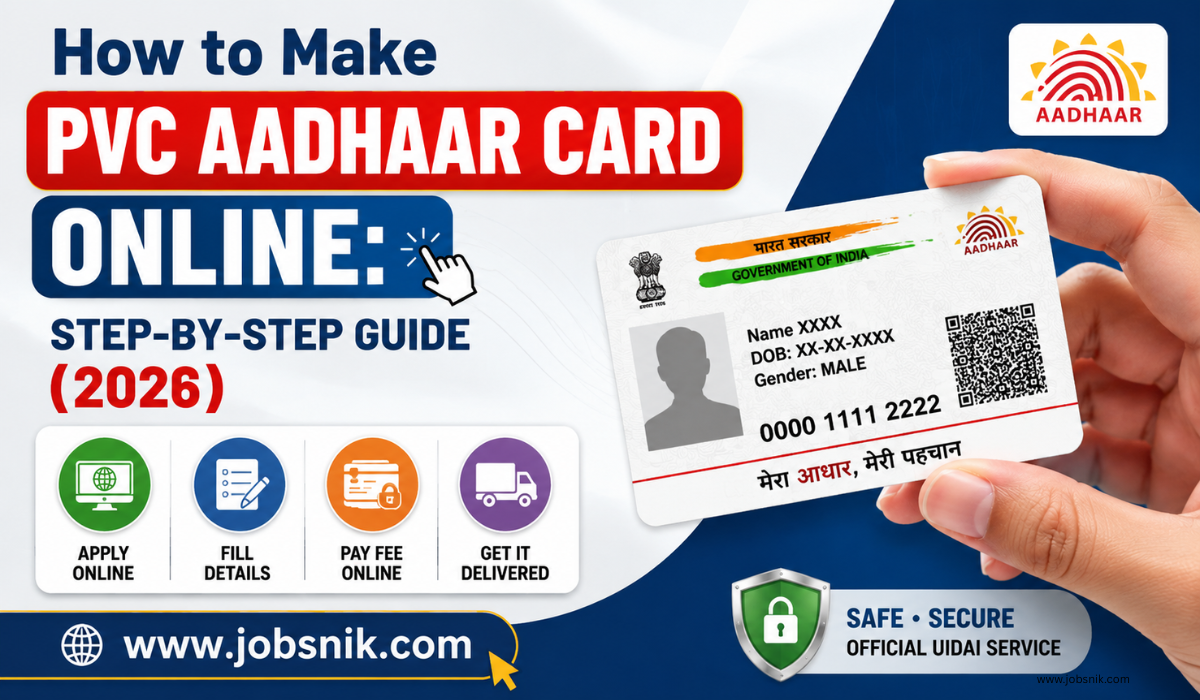
How to Make PVC Aadhaar Card Online: PVC Aadhaar Card is a small, tough and pocket friendly version of your Aadhaar card. It is built with high quality PVC plastic which makes it more durable than the paper Aadhaar letter. The card carries some security features and can be used anyplace Aadhaar is accepted as a valid proof of identity.
You are looking for a sturdy Aadhaar card that is easy to carry around daily then you may get the online via official UIDAI website.
What Is a PVC Aadhaar Card?
The PVC Aadhaar Card is an Aadhaar card issued by UIDAI and printed on a durable PVC material. It features all your typical Aadhaar details but in a compact ATM-card format.
Key Features
- Wallet-friendly.
- PVC Material High Quality
- Water-resistant, long-lasting
- Digital signature for secure QR Code
- Hologram Security
- microtext
- Ghost image
- Publication date and issue date
- Officially published by the UIDAI
Benefits of PVC Aadhaar Card
| Feature | Benefit |
|---|---|
| Small Size | Easily fits inside your wallet |
| PVC Material | Strong and long-lasting |
| Water Resistant | Less chance of damage |
| Secure QR Code | Easy and safe verification |
| Official UIDAI Card | Accepted wherever Aadhaar is valid |
Who Can Apply for a PVC Aadhaar Card?
You can order a PVC Aadhaar Card if you have any one of the following:
- Aadhaar Number
- Virtual ID (VID)
- Enrolment ID (EID)
Both residents with and without a registered mobile number may be able to use the service, depending on UIDAI verification.
Documents and Details Required
Before you start, keep these details ready:
- Aadhaar Number, VID, or EID
- Registered mobile number (if available)
- OTP for verification (when required)
How to Make PVC Aadhaar Card Online
Follow these simple steps:
Step 1: Visit the Official Website
Open the official myAadhaar portal.
Step 2: Choose the Service
Click on Order Aadhaar PVC Card.
Step 3: Enter Your Details
Enter any one of the following:
- Aadhaar Number
- Virtual ID (VID)
- Enrolment ID (EID)
Step 4: Complete Verification
Verify your identity using the OTP or any other authentication method provided by UIDAI.
Step 5: Check Your Details
Carefully review your Aadhaar details before moving to the next step.
Step 6: Pay the Fee
Pay the required fee using the available online payment options.
Step 7: Submit the Request
Submit your application and save the acknowledgement or Service Request Number (SRN) for future use.
PVC Aadhaar Card Fee
UIDAI charges a fixed fee for printing and delivering the PVC Aadhaar Card.
| Service | Details |
| Fee | Fixed by UIDAI |
| Delivery | Included through Speed Post |
| Payment Mode | Online payment |
Note: Always check the latest fee on the official UIDAI website before placing your order.
How to Check PVC Aadhaar Card Status
After submitting your request, you can track the status online.
Steps to Check Status
- Visit the official myAadhaar portal.
- Open the Check PVC Aadhaar Card Status service.
- Enter your Service Request Number or other acknowledgement details.
- View the latest status of your request.
PVC Aadhaar Card Delivery Time
After your request is approved, UIDAI prints the card and sends it through India Post Speed Post.
| Stage | Details |
| Printing | After successful processing |
| Delivery | Through India Post Speed Post |
| Delivery Time | Depends on your location and postal service |
Official Links
| Service | Official Link |
| Order PVC Aadhaar Card | myaadhaar.uidai.gov.in/genricPVC |
| myAadhaar Portal | myaadhaar.uidai.gov.in |
| UIDAI Website | uidai.gov.in |
Frequently Asked Questions
Is the PVC Aadhaar Card an official Aadhaar card?
Yes. The PVC Aadhaar Card issued by UIDAI is an official Aadhaar doc
Can I apply for a PVC Aadhaar Card online?
Yes. You can order it through the official UIDAI portal